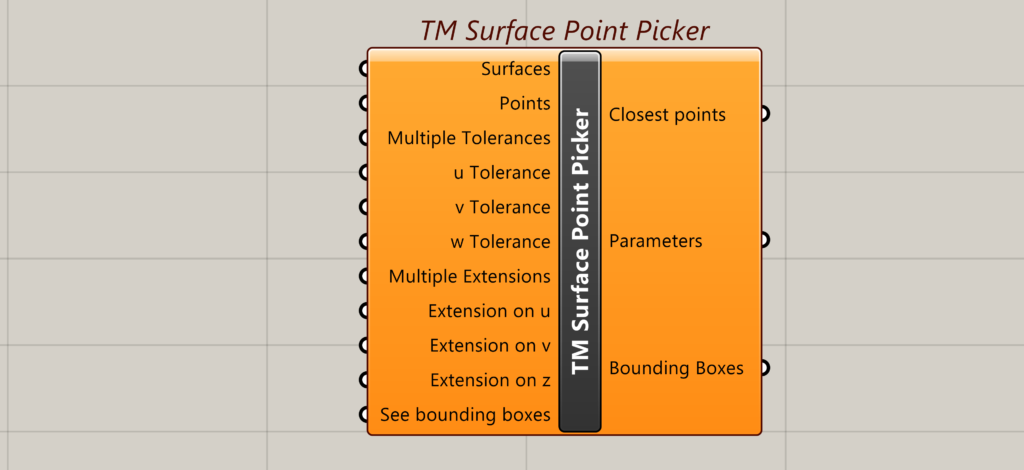
Surface point picker is a grasshopper component that helps the user to select points lying in close proximity to a selected surface. It works by creating a bounding box around the surface.
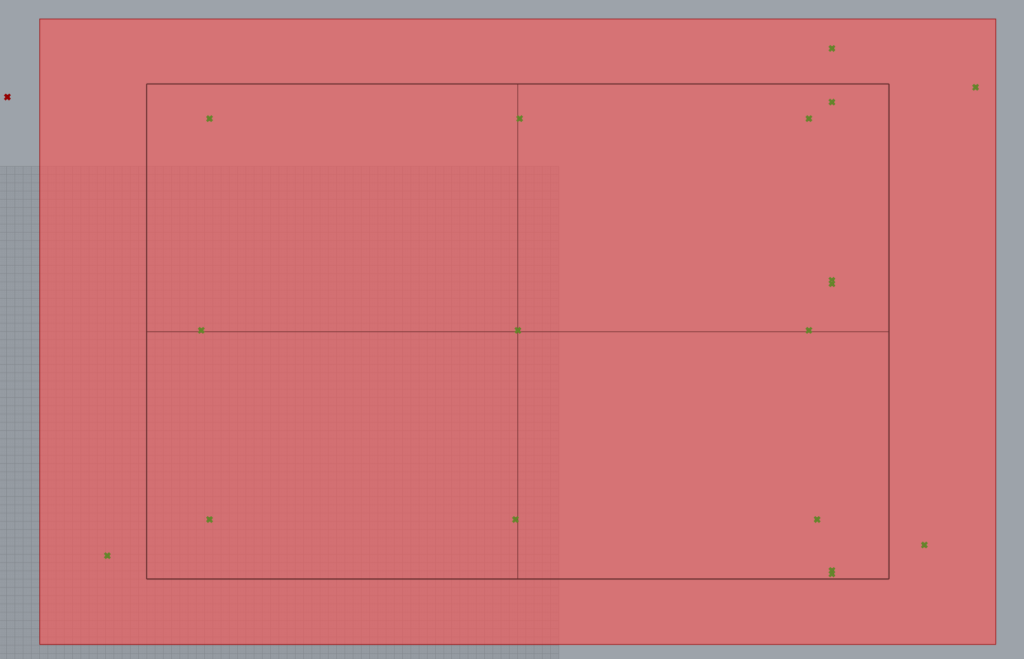
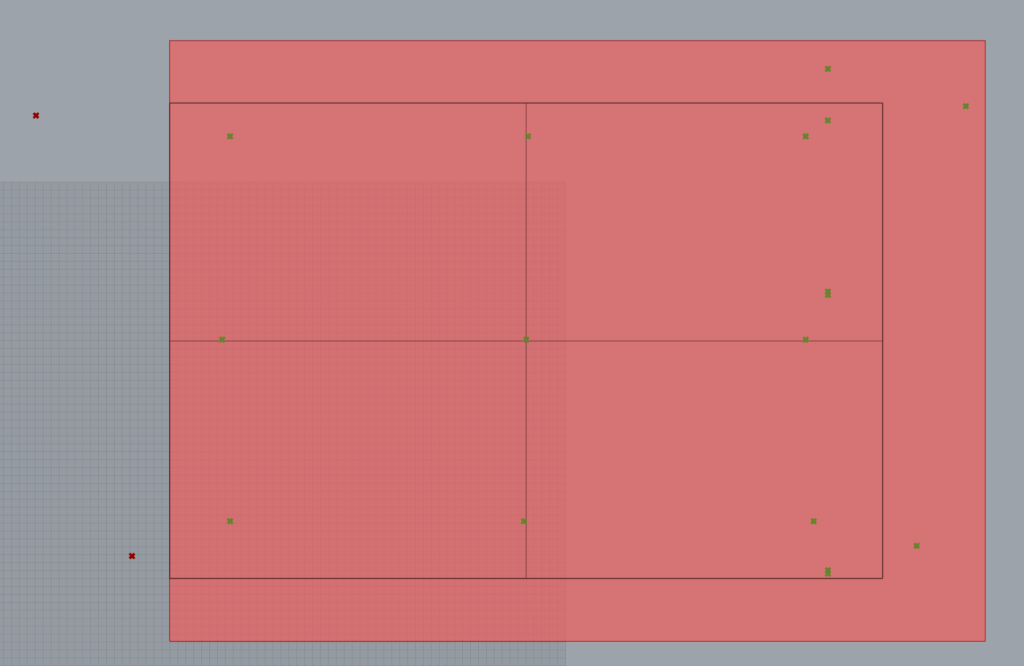
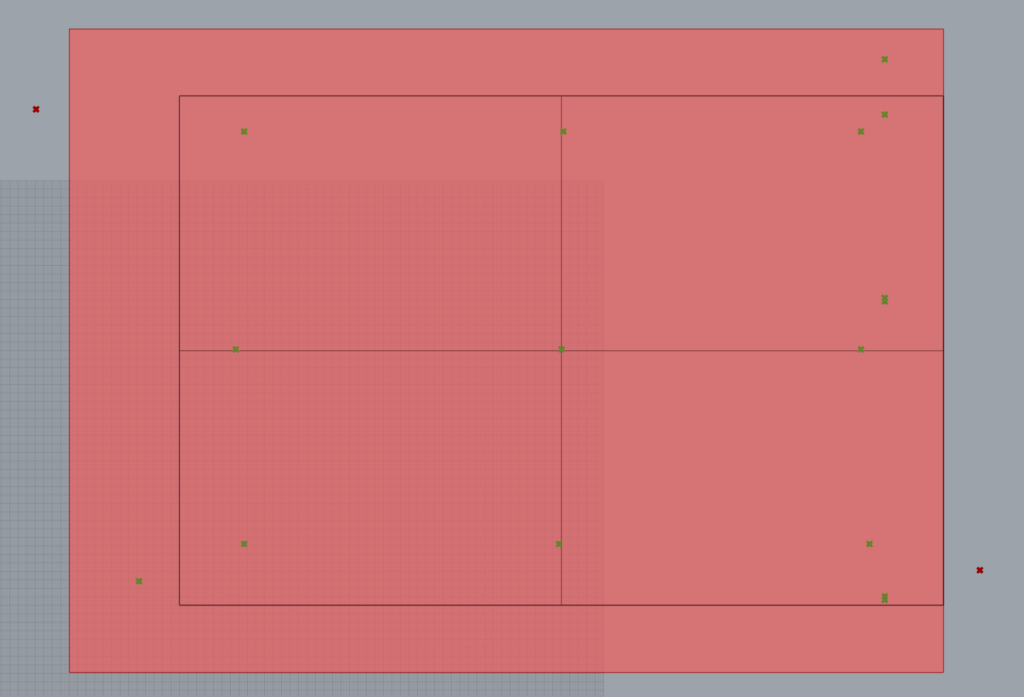
The range of points selected depends on the bounding box surrounding the surface whose dimensions are controlled using tolerances.
One can also select points that are not in the same plane.
Input
Surfaces
Takes a surface/ list of surfaces in whose proximity (either on the surface or lying near the surface) the points need to be selected.
Points
A collection of points as a list out of which the user wants to select the points in close proximity to the surface.
Multiple Tolerances
Takes a Boolean.
- True- Multiple tolerances to control selection across multiple surfaces.
- False- One tolerance controls selection across multiple surfaces.
u tolerance
Takes a number (negative or positive). Extends or shrinks the bounding box length wise depending on whether the number is positive or negative.
v tolerance
Takes a number (negative or positive). Extends or shrinks the bounding box Width wise depending on whether the number is positive or negative.
w tolerance
Takes a number (negative or positive). Extends or shrinks the bounding box perpendicular to the surface depending on whether the number is positive or negative.
Multiple Extensions
Takes a Boolean.
The bounding box can be extended using tolerances. Its direction though is also user controlled and can be extended either over the first, second or both the edges.
- True- user can attach multiple extension options to control selection behaviour for multiple surfaces.
- False- user can attach single extension option to control similar selection behaviour for multiple surfaces.
Extension on u
Takes an empty value list and auto-populates the following options.
- Both sides
- Side 1
- Side 2
Controls the extension of the bounding box length wise.
Extension on v
Takes an empty value list and auto populates the following options:
- Both sides
- Side 1
- Side 2
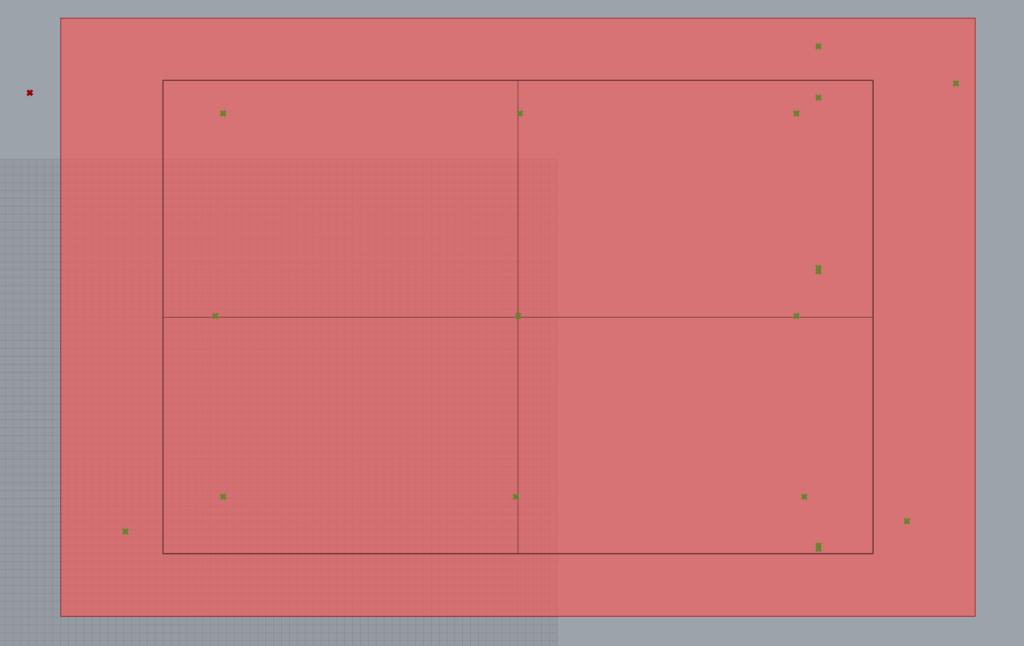
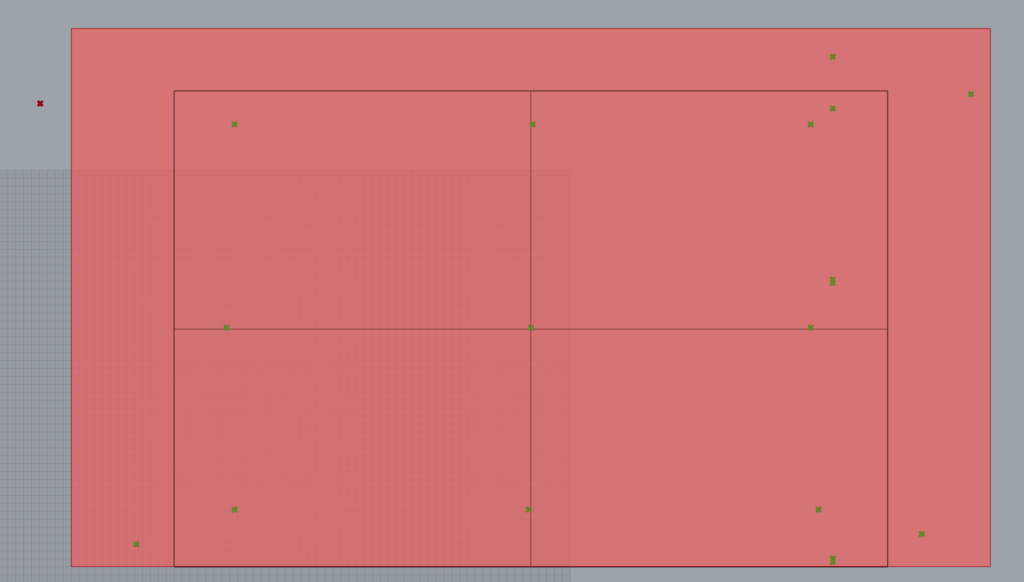
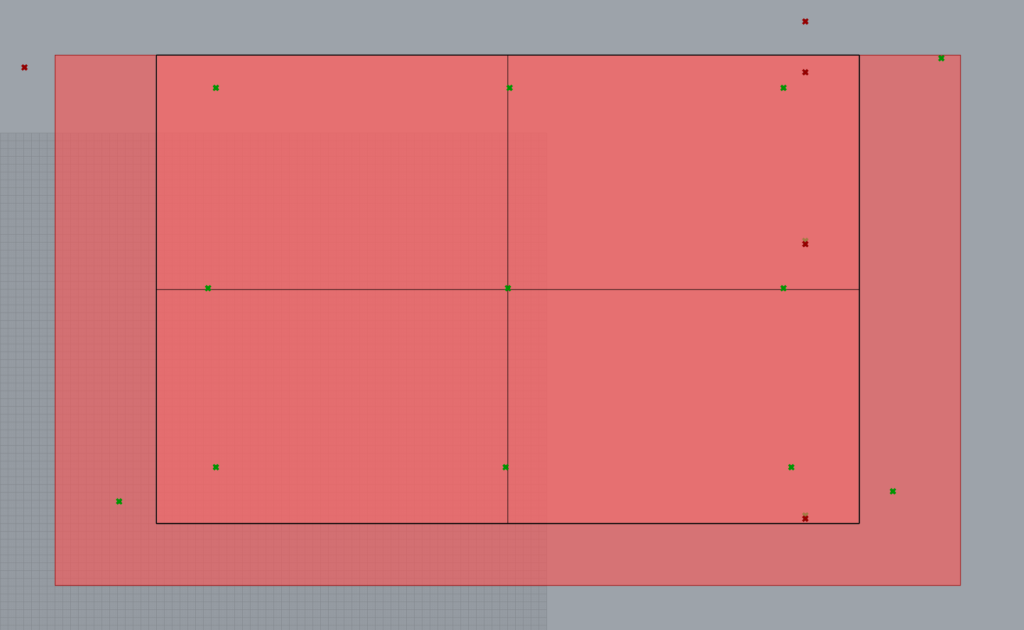
Extension on w
Takes an empty value list and auto populates the following options:
- Both sides
- Side 1
- Side 2
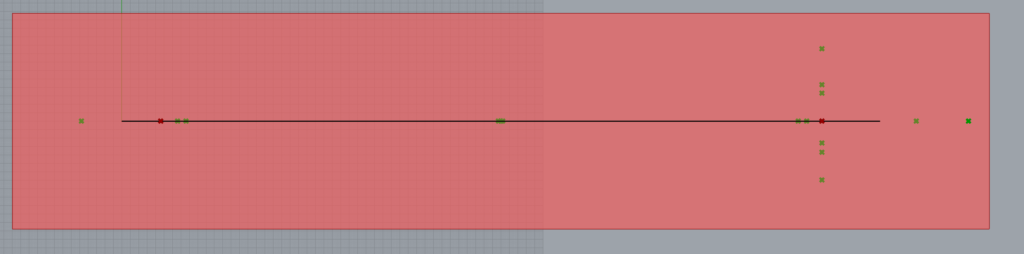
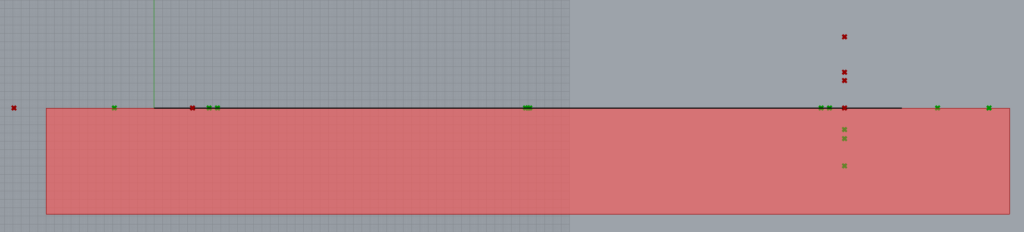

See bounding boxes
Takes a Boolean
- True- Displays the bounding box.
- False- Hides the bounding box.
Output
Closest Points
Outputs the closest points selected by the component. If multiple surfaces are attached the points are output as a data tree.
Parameters
Outputs the parameters of the closest point selected by the component. If multiple surfaces are attached the points are output as a data tree. These parameters may be used to work with native grasshopper components
Bounding Boxes
Outputs the bounding boxes as breps.